When MCSnet began over 30 years ago, internet providers were the only source of email addresses. Over the years, this has evolved.
Today, you are typically required to have a Gmail and/or Outlook account simply to log in to websites. These email service providers also give you a plethora of additional services such as Google Drive, Office 360, better integration with cell phones, etc.
MCSnet’s email service simply can’t compete with the sophistication and integration of these email providers and we would rather put all of our efforts into providing MCSnet customers, such as you, with the best internet service.
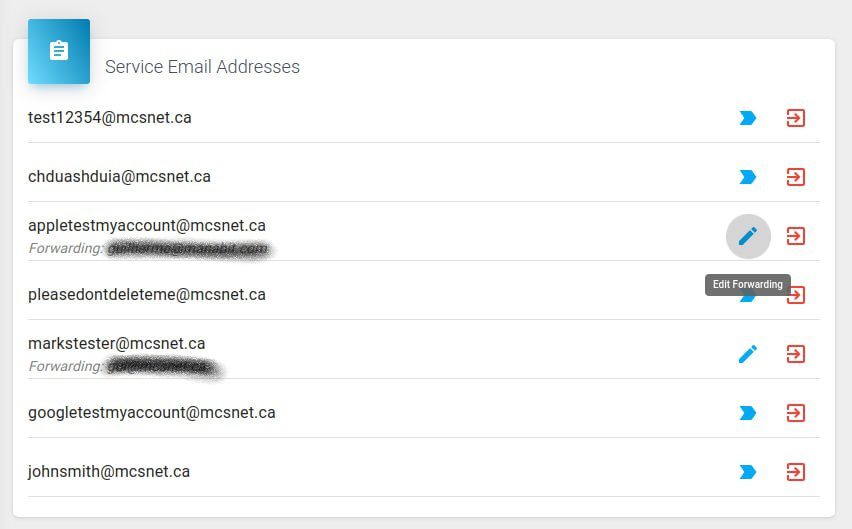
We have now created a process for you to instantly forward your @mcsnet.ca email to a Gmail, Outlook, Hotmail or another email address, just like you forward your postage mail at the post office when you move. This will be a seamless process to ensure that you continue to receive your @mcsnet.ca email going forward.
You will continue to receive your @mcsnet.ca email as long as you remain our customer.